In the era of the pandemic, QR Codes have become essential tools for quickly and efficiently accessing public health information. These black and white square codes contain major data, from vaccination proof to test results. However, many struggle to use them correctly, which can lead to delays and frustration in situations where time is precious. Simple tips can transform this experience into a smooth and seamless process, ensuring that one makes the most of this technology that has become indispensable in the fight against COVID-19.
Practical Tips for Scanning COVID QR Codes
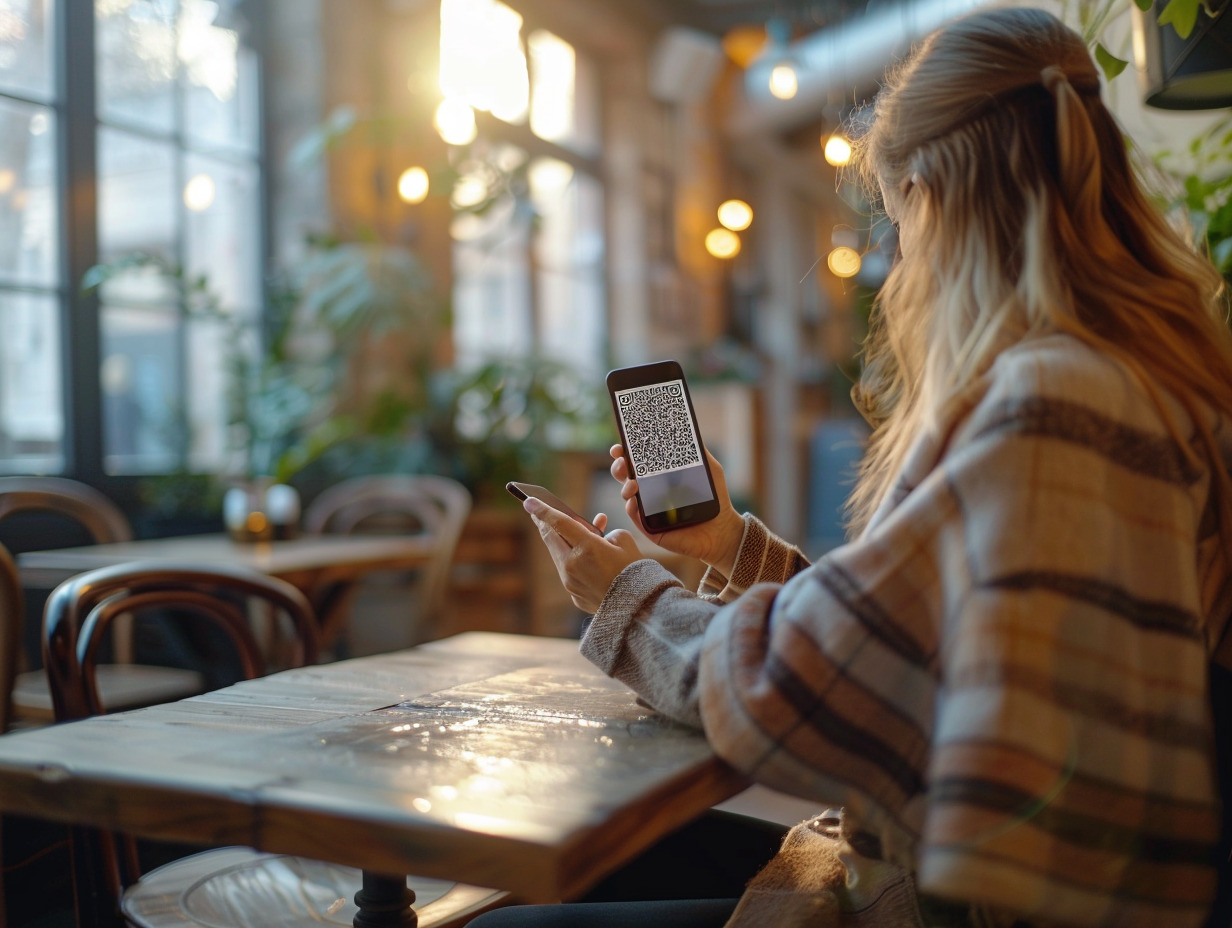
The scanner code on your smartphone is the key to successfully reading COVID QR Codes. Open the TousAntiCovid application, which has established itself as the official tool for monitoring the pandemic situation and using contact tracing. The app is designed to effectively recognize the QR Code of the EU Digital COVID Certificate, which acts as a health pass. Make sure the lighting is adequate and your camera is clean to avoid reflections that could disrupt the code reading.
In some cases, the QR code to be scanned presents a complexity that exceeds the capabilities of your mobile device. This includes a dense code like ‘HC1 6BFOXN’. When faced with this scenario, use a PC equipped with a webcam for optimized reading. Some desktop software is specifically designed to decrypt these more complex codes and ensure the accuracy of the extracted data.
For those using Apple devices, know that Apple Wallet and Apple Watch can be valuable allies. These devices can store and display the health pass in the form of a QR Code, allowing for quick and effortless presentation. This technological integration highlights the need to familiarize yourself with the features of your devices for optimal use of QR Codes in our COVID-19 marked daily life.
Protecting Your Privacy When Using QR Codes
The use of QR codes related to the EU Digital COVID Certificate raises legitimate questions about privacy protection. These codes, containing sensitive data such as first name and date of birth, require special attention. Prefer using the TousAntiCovid Vérif application, specifically designed to verify the authenticity of health passes while limiting the exposure of your personal information.
This precaution is even more necessary when presenting your pass in public places. The enhanced QR code, integrated into the health pass, is designed to minimize the disclosure of personal information by revealing only what is strictly necessary. Ensure that the entity scanning your code is also authorized to do so and uses the appropriate tools for verification.
For those concerned about leaving digital traces, know that the TousAntiCovid application offers a postal code system that requires only the geographical area of the event to be indicated, without storing precise location data. This allows for some anonymization while participating in contact tracing efforts.
It is wise to familiarize yourself with the type of barcode used in your health pass. Understanding the structure and information encapsulated in your QR code can help you better control the data you share. Vigilance is essential: check the privacy settings of your applications and stay informed about best practices to protect your personal data in this pandemic context.